Ziegler & Brown Turbo Digital Display

Product ID: TBDIGDPT

Ziegler & Brown Turbo Digital Display

$199

or buy now, pay later with

Temporarily Not Available - This item is temporarily not available online for Click & Collect or Home Delivery, please contact your nearest store for availability.
$199

Please select from the product options to display the delivery and availability information. Example: Select your cart, burners and or colour.

Delivery Options 
Please input postcode to search
Sorry, this item is not available in stores in your area
This item is out of stock for Delivery
Please Note: The time frames shown are subject to change. Due to the high volumes of orders, some of our delivery partners are experiencing delays. See Full Collection & Delivery Terms

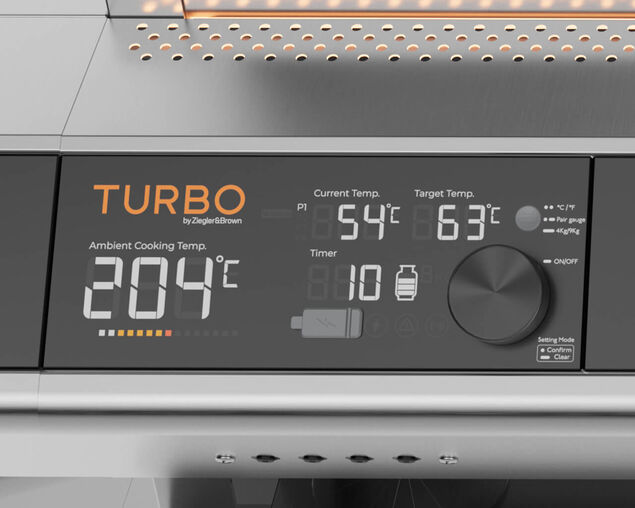
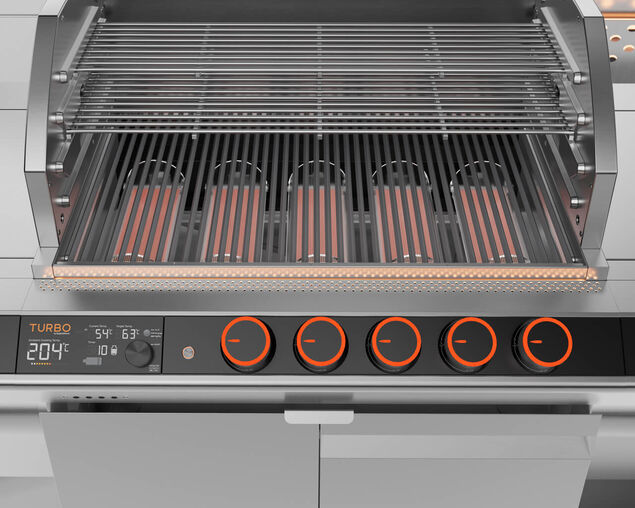
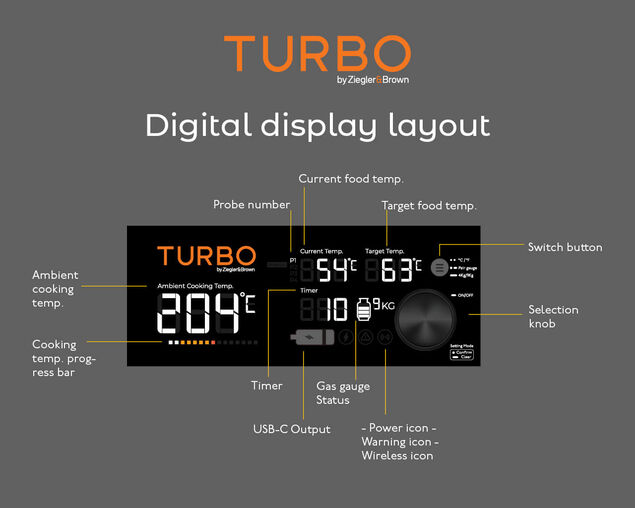
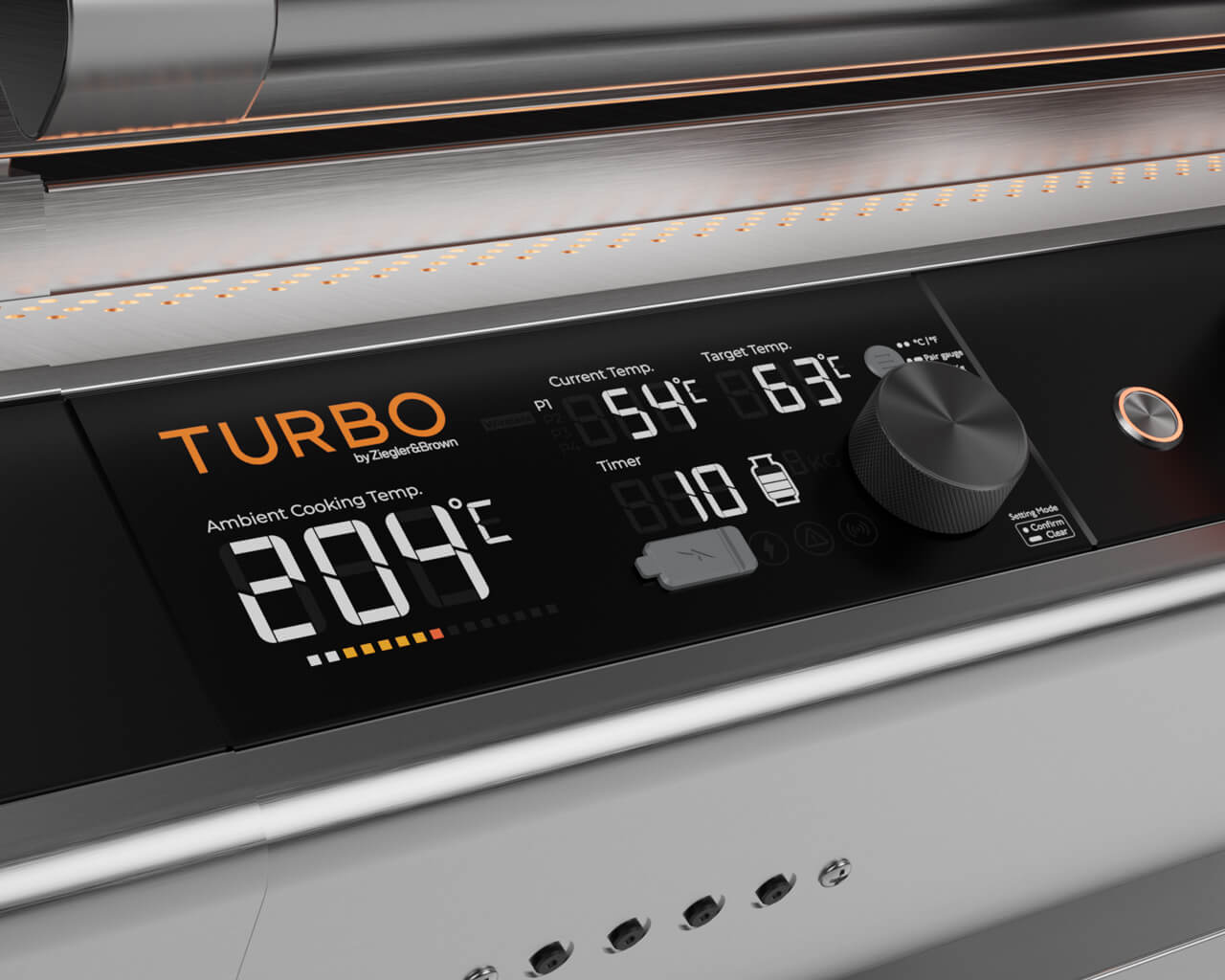
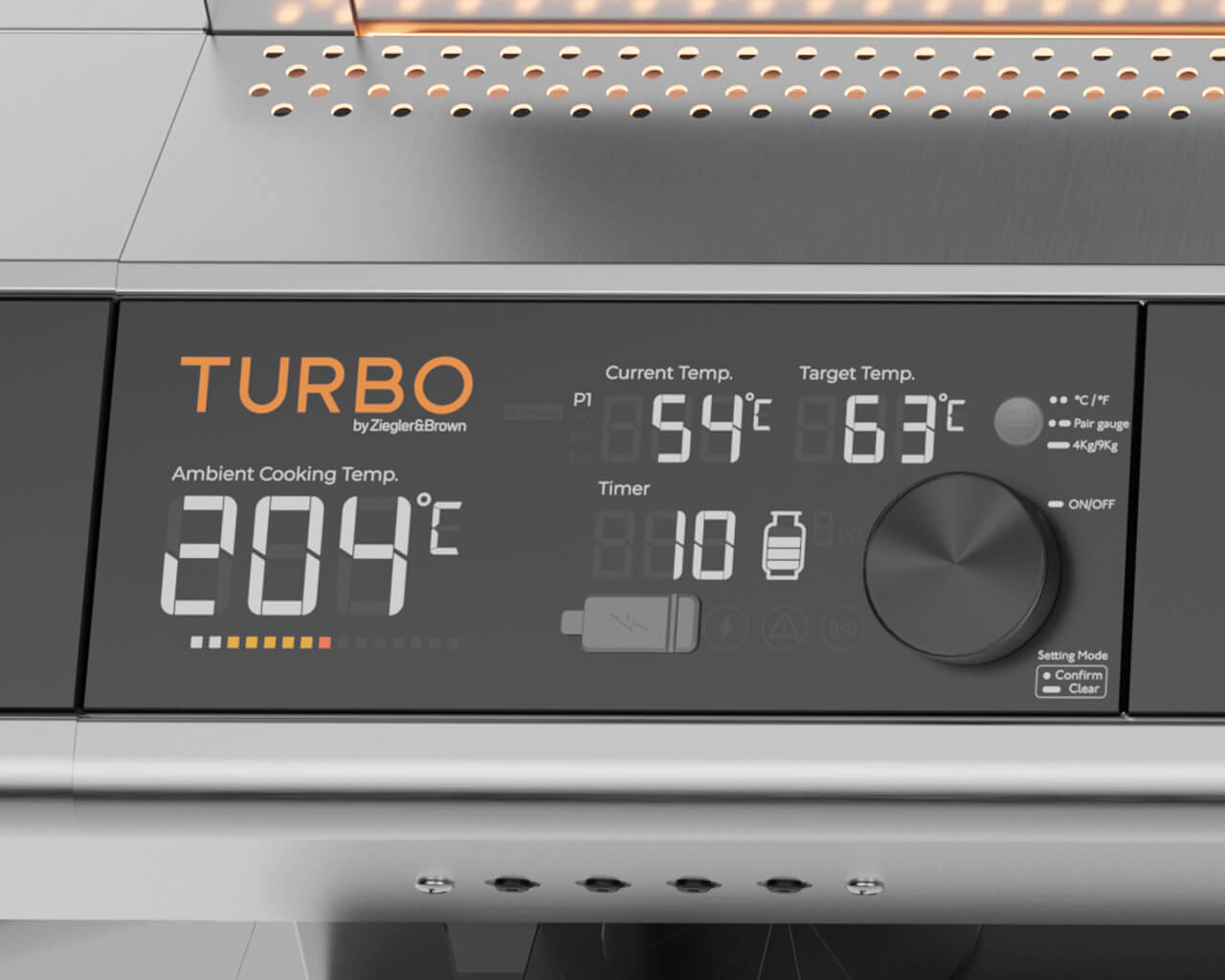
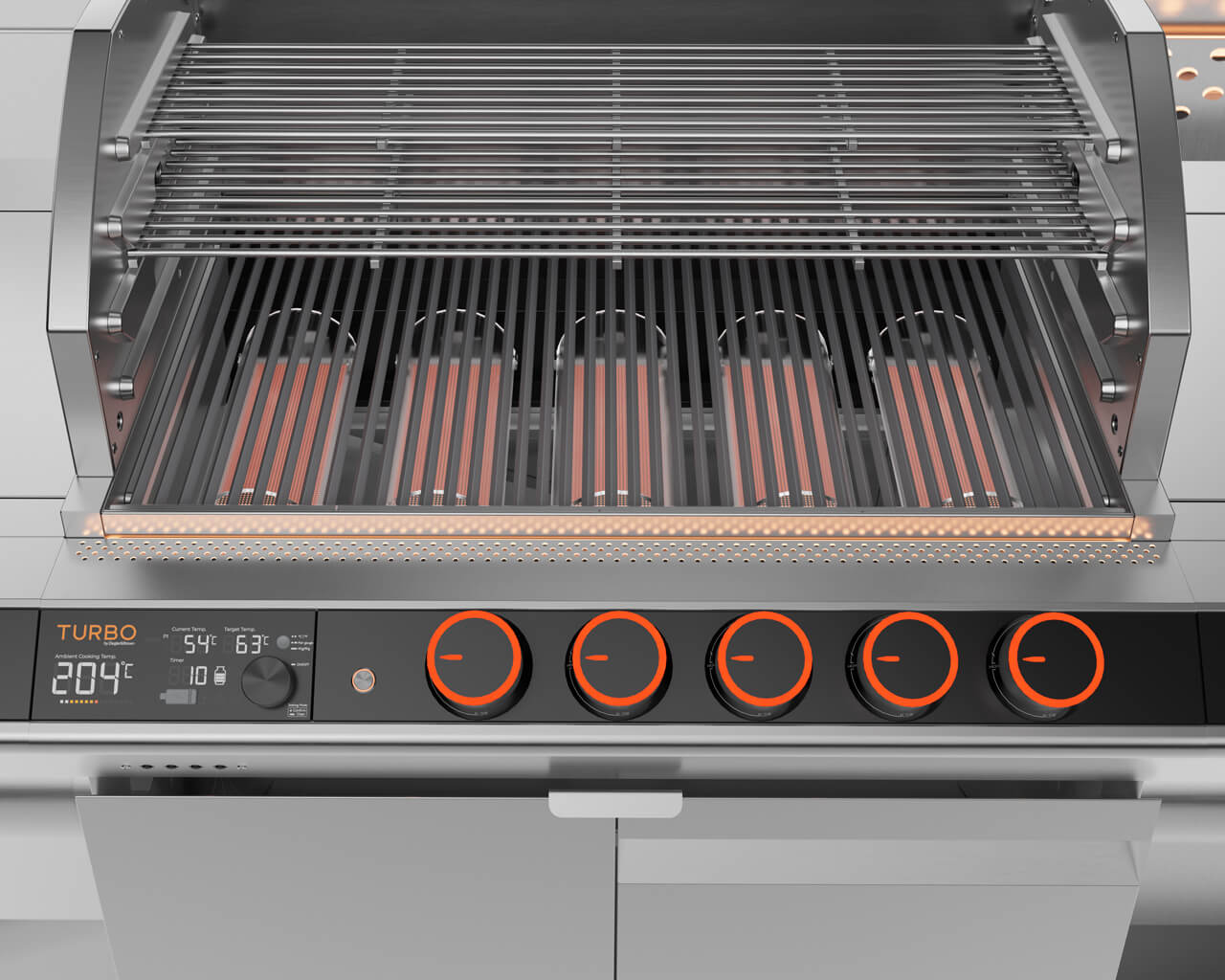
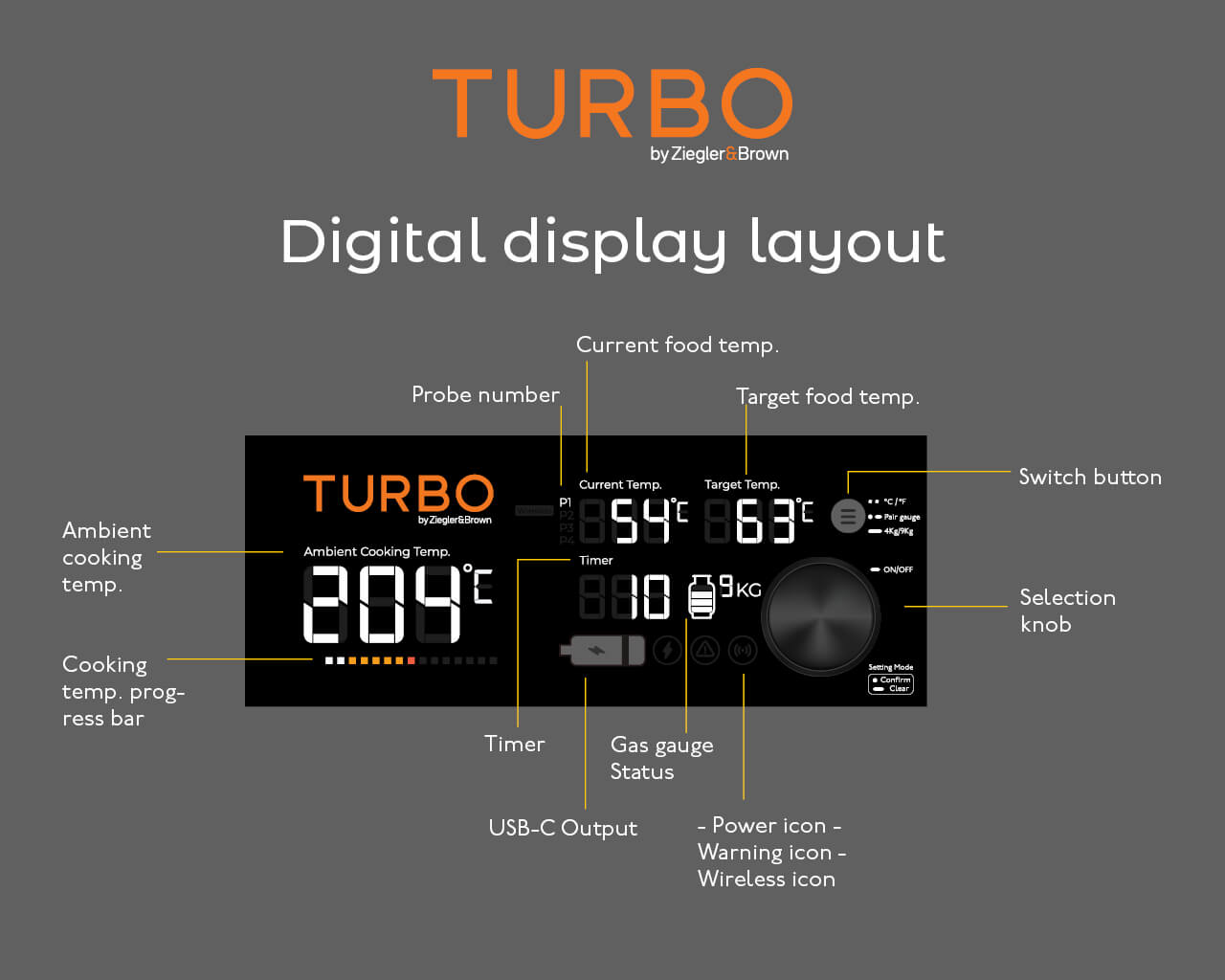
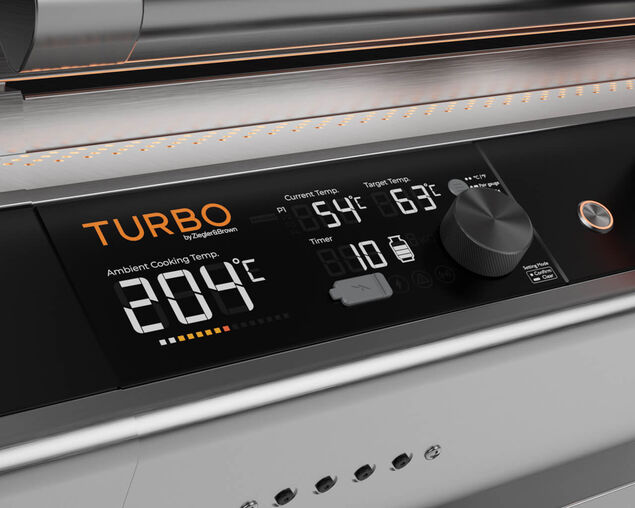
Experience the next evolution in BBQ precision with the Ziegler & Brown Turbo Digital Display. Designed for those who demand more control, more insight, and more capability, TURBO brings professional-grade monitoring into your backyard.

With real-time temperature tracking, premium on-board hardware, and the power of four independent food probes, TURBO helps you master multiple dishes at once — all with absolute confidence.

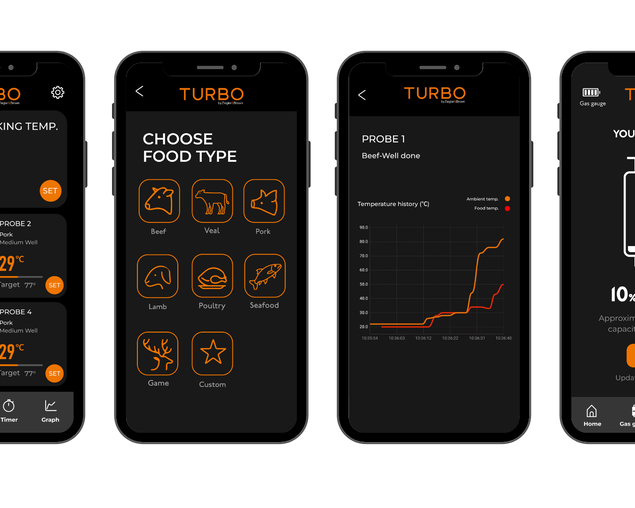
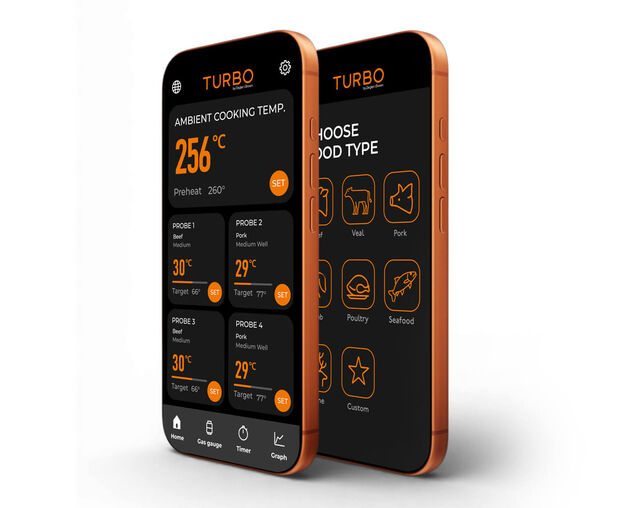
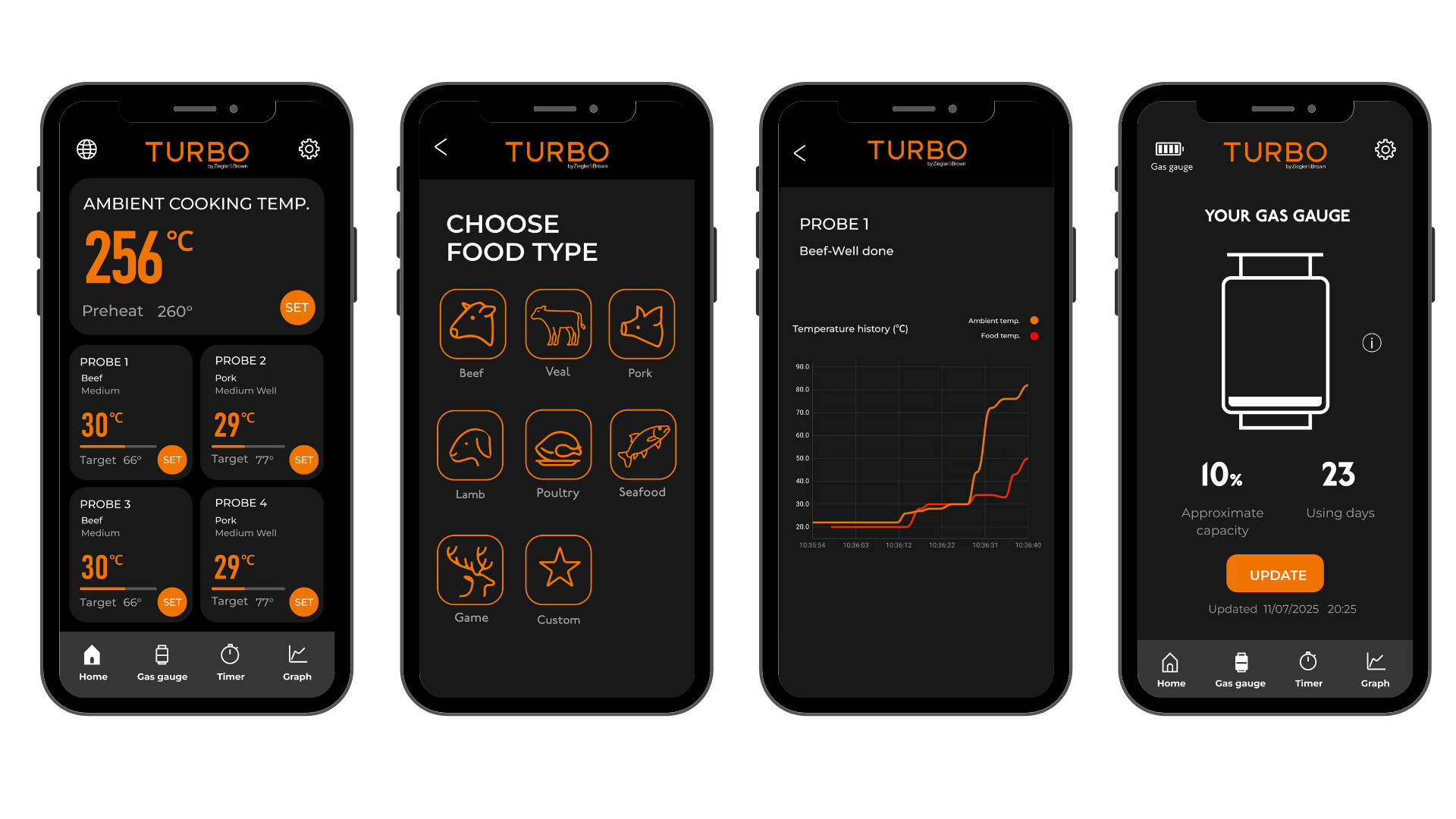
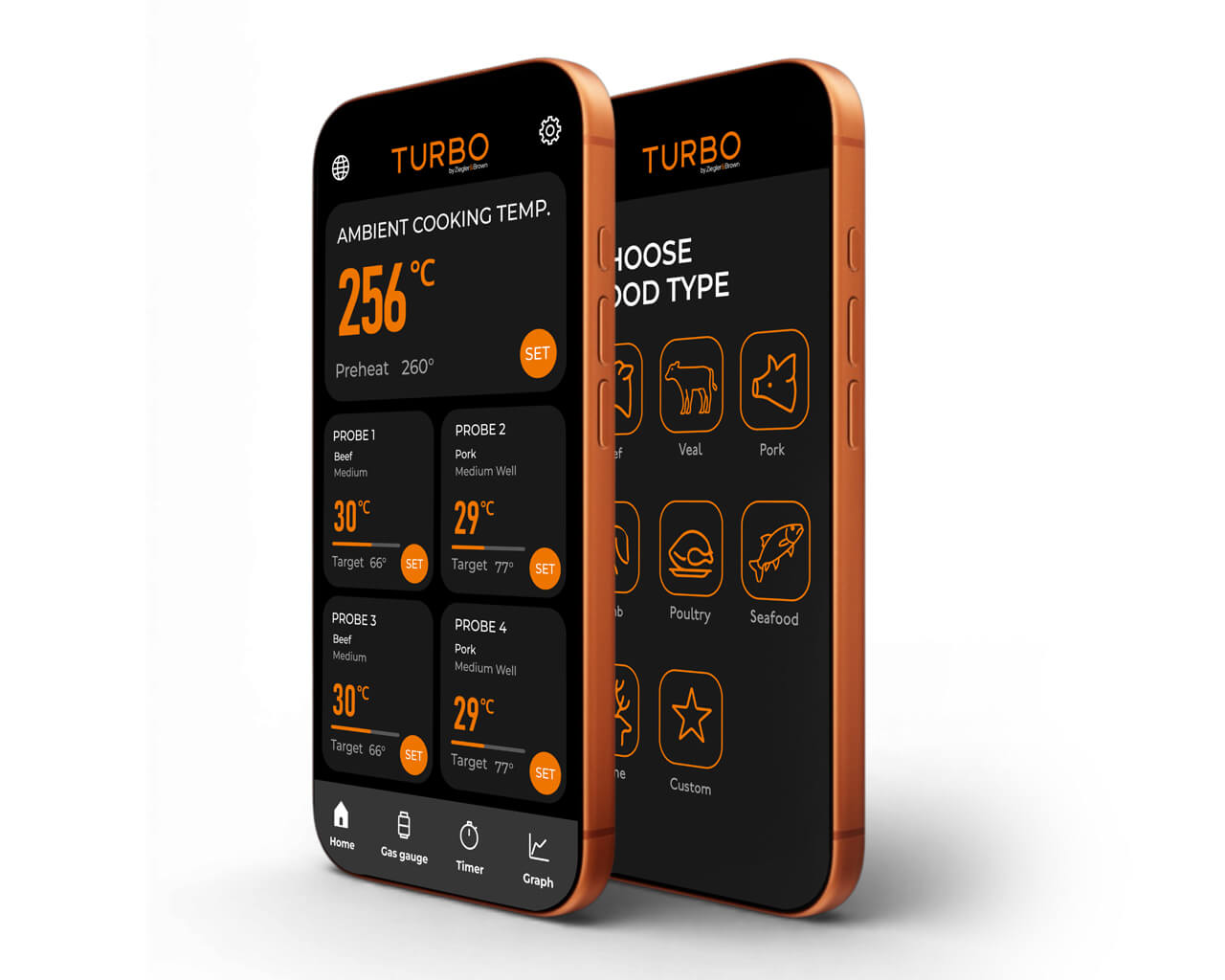
Download the Ziegler & Brown Turbo Digital Display App

Take control of the next level and download the Ziegler and Brown accompanying app.


  • Master multiple dishes at once - Four independent food probes give complete control over different foods cooking simultaneously.
  • Cook with precision and confidence - Real-time monitoring, target temperature tracking, and visual progress indicators ensure consistent results every time.
  • Smarter, easier entertaining - See grill and food temps at a glance, receive alerts when it’s time to flip or serve, and enjoy the freedom to focus on friends and family.
  • Effortless accuracy - Guided cooking modes, preset doneness settings, and ultra-precise target temperatures (to within 1°C) take the guesswork out of barbequing.
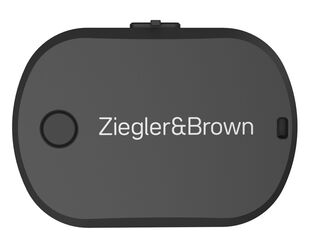
  • Never run out of gas again- When connected with the Ziegler & Brown Ultrasonic Gas Gauge, you’ll always know your gas level before you start cooking.


FAQ Accordion

FAQ


Getting Started
How do I power on the Turbo Digital Display?
Press and hold the Control knob on the Digital display for 2 Seconds.
The screen will illuminate and intermittently show all LED’s before going to the standard display state.
If the display doesn’t turn on, check:
- The transformer is fully connected at powered on
- All cables between modules are securely plugged in
Troubleshooting – Digital Display
Why isn’t my cooking temperature probe reading?
Check that:
- The probe is fully plugged into the Cooking Temp port
- The probe clip is attached correctly
- The cable isn’t pinched or damaged
Why does the food probe temperature seem too high?
Digital probes measure heat more accurately and from a different location than your BBQ
hood thermometer, so the readings may differ.
Check the correct scale (°C/°F)
Can I use the app without probes?
Yes — you can connect the app and check device status or gas level, but temperature readings appear only when probes are connected.
Pairing & Connectivity
How do I pair the Digital Display with the app?
1. Download the Ziegler and Brown App.
2. Turn on Bluetooth.
3. Power on the Digital Display.
4. Open the app and tap Add Device.
Why can’t my phone find the device?
- Ensure Bluetooth is ON
- Stay within 1 metre
- Restart the app and device
Gas Gauge (Ultrasonic Gas Gauge)
How does the gas gauge work?
It uses ultrasonic waves to measure how much liquid gas is inside the cylinder.
It works with metal 4 kg and 9 kg bottles (not aluminium, composite, or stainless-steel).
The return time of the pulse determines the gas level inside the cylinder.
Why can’t I pair the gas gauge with the app?
- Ensure you are within 1m of the gas gauge
- Hold the power button 3 seconds – A red LED will illuminate for 3seconds
- Go to Gas Cylinder > Add Device and follow the prompts
- Recharge the gauge if no light appears
My gas sensor isn’t getting a reading — what should I do?
Check the following:
1. Confirm the Cylinder Type – the device will only work on metal 4 kg or 9 kg.
2. Sensor Placement & Contact – The gauge uses an ultrasonic signal that travels straight upward into the cylinder.
- Ensure the position of the gauge is in the centre of the gas cylinder.
- Clean the contact surface. Wipe away any dust, dirt, rust ensure that the bottom surface is smooth.
If needed apply as small amount of Vaseline on the ultrasonic sensor to aid contact.
3. Battery and Power status – Ensure the device is properly changed via the USB-C port. Flashing light = charging Solid light = fully charged No light → battery is flat → recharge
4. App Pairing – ensure correct cylinder size is selected, tap the update button. Delete the device in the settings page and try repairing.
5. Environment – sometime the environment in which the cylinder is placed can create interference. Remove the cylinder from the enclosed cabinet and try connecting to the gauge
My gas level reading seems inaccurate
Ensure you have selected the correct cylinder size (4 kg or 9 kg) in the app.
If the wrong bottle is selected the algorithm will calculate an inaccurate reading.
Ensure the device has the latest firmware
If the problem persists delete the device in the settings page of the gas gauge. (this is on the upper right-hand side with the gear icon on the gas gauge page)
Follow the process to pair the device and check the readings.
App & Notifications
I’m not receiving alerts or timers
Check that notifications are enabled for the app in your phone settings.
Keep Bluetooth active and the app running in the background.
Reconnect to ensure the device is linked.
If still not receiving alerts, reinstall the app or contact support for escalation
My app isn’t updating firmware
Check that notifications are enabled for the app in your phone settings.
Keep Bluetooth active and the app running in the background.
Reconnect to ensure the device is linked.
If still not receiving alerts, reinstall the app or contact support for escalation
More Specifications
Detailed Specifications
- Thermometer module with LED
- Wireless connectivity; Bluetooth 5.2
- Range up to 40 meters (unobstructed)
- Black anodised metal control knob
- 12v Transformer powered
- 5V USB-C output
- NTC sensor probes
- Ambient Cooking Temperature range 0°C - 500°C
- Food Temperature range 0°C - 300°C
- 4 Premium Food probes with magnetic holder for easy storage
- Probe accuracy range (±1°C)
- 2 Year warranty
- RCM & CE certified

Reviews

Compare up to 4 products
Clear All