







How Does It Work?
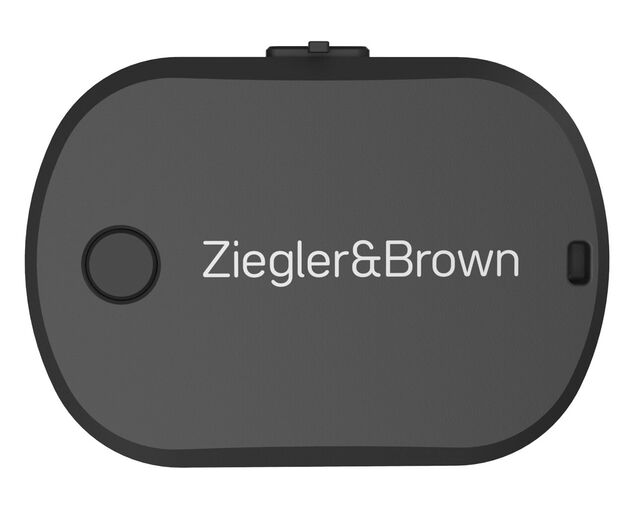
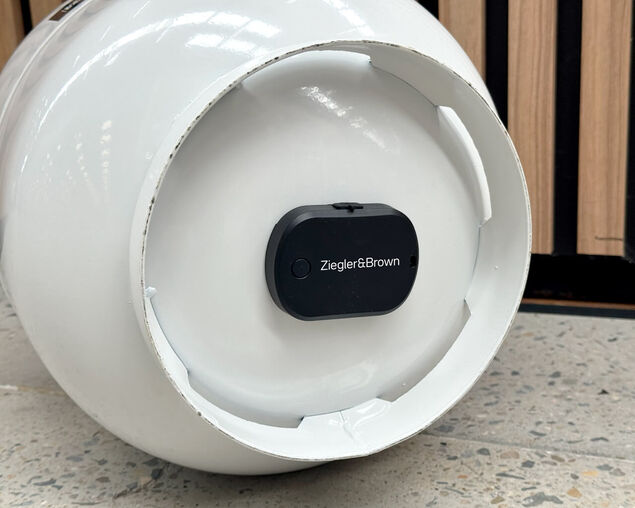
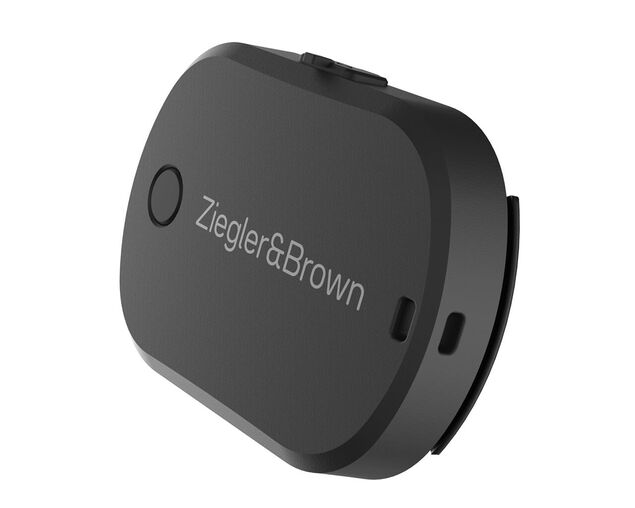
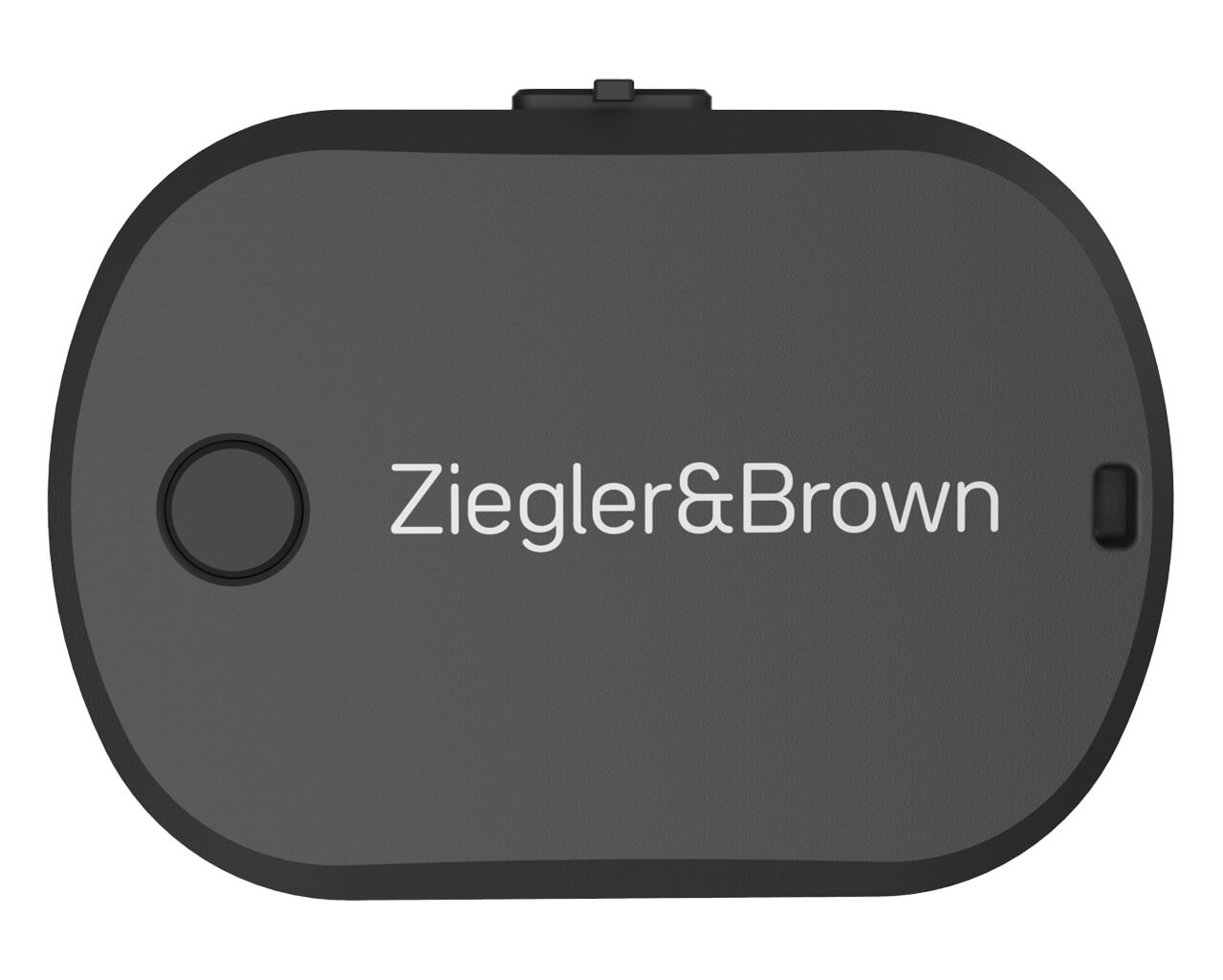
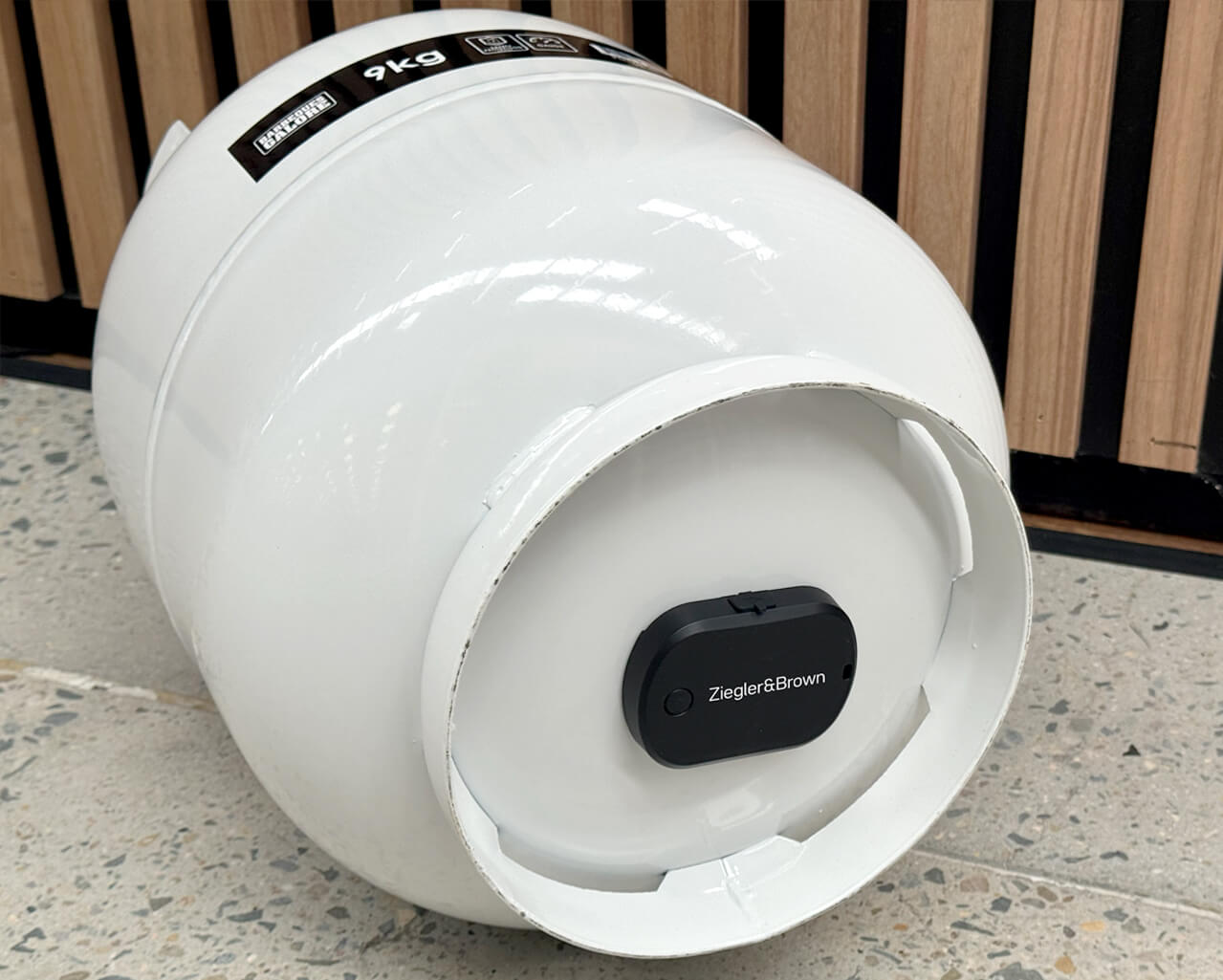
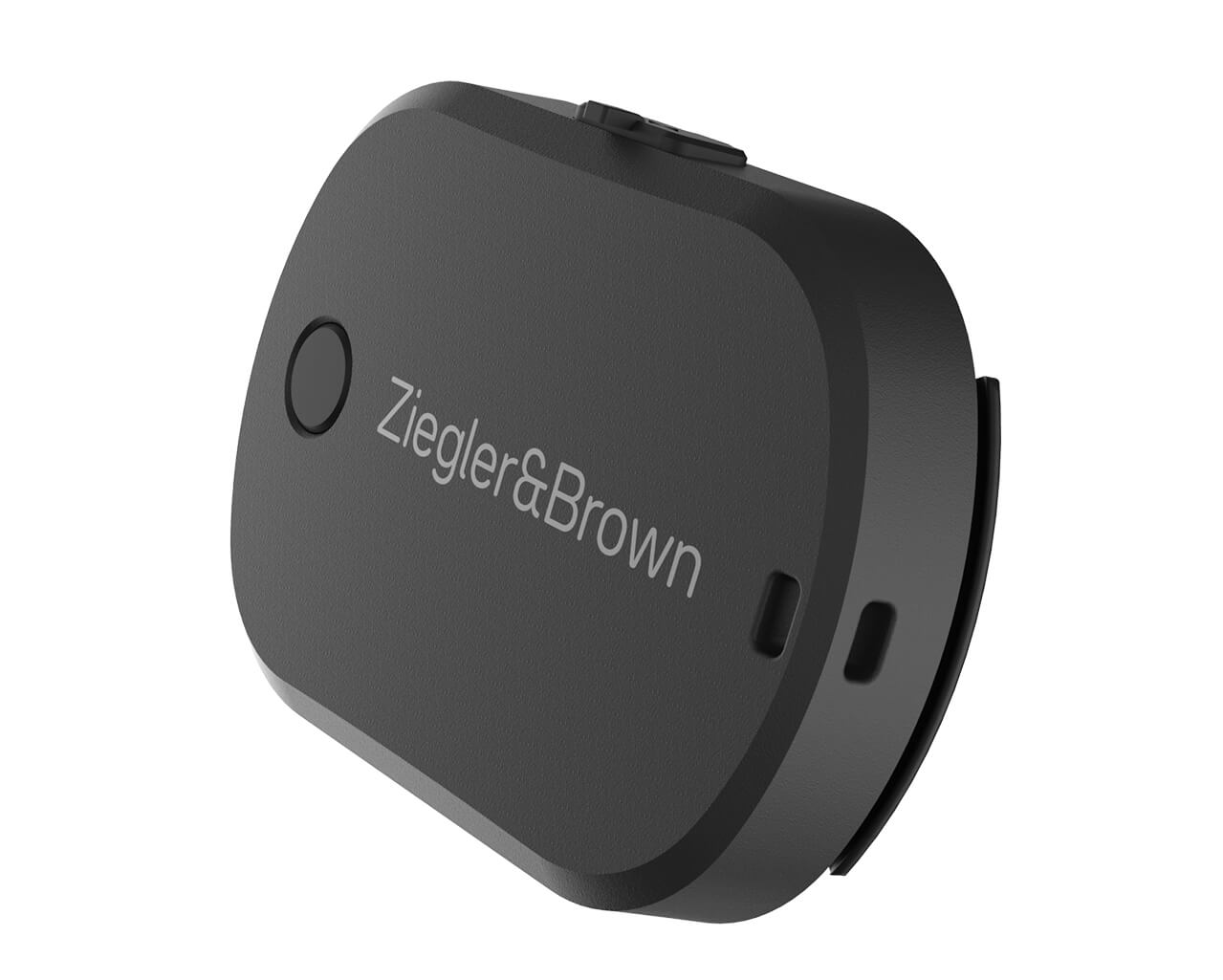
The Ziegler & Brown Gas Gauge uses ultrasonic technology to send an acoustic sound wave through the gas cylinder. By measuring the time it takes for the signal to bounce back, the device accurately determines how much liquid gas remains similar to how a bat navigates in the dark.
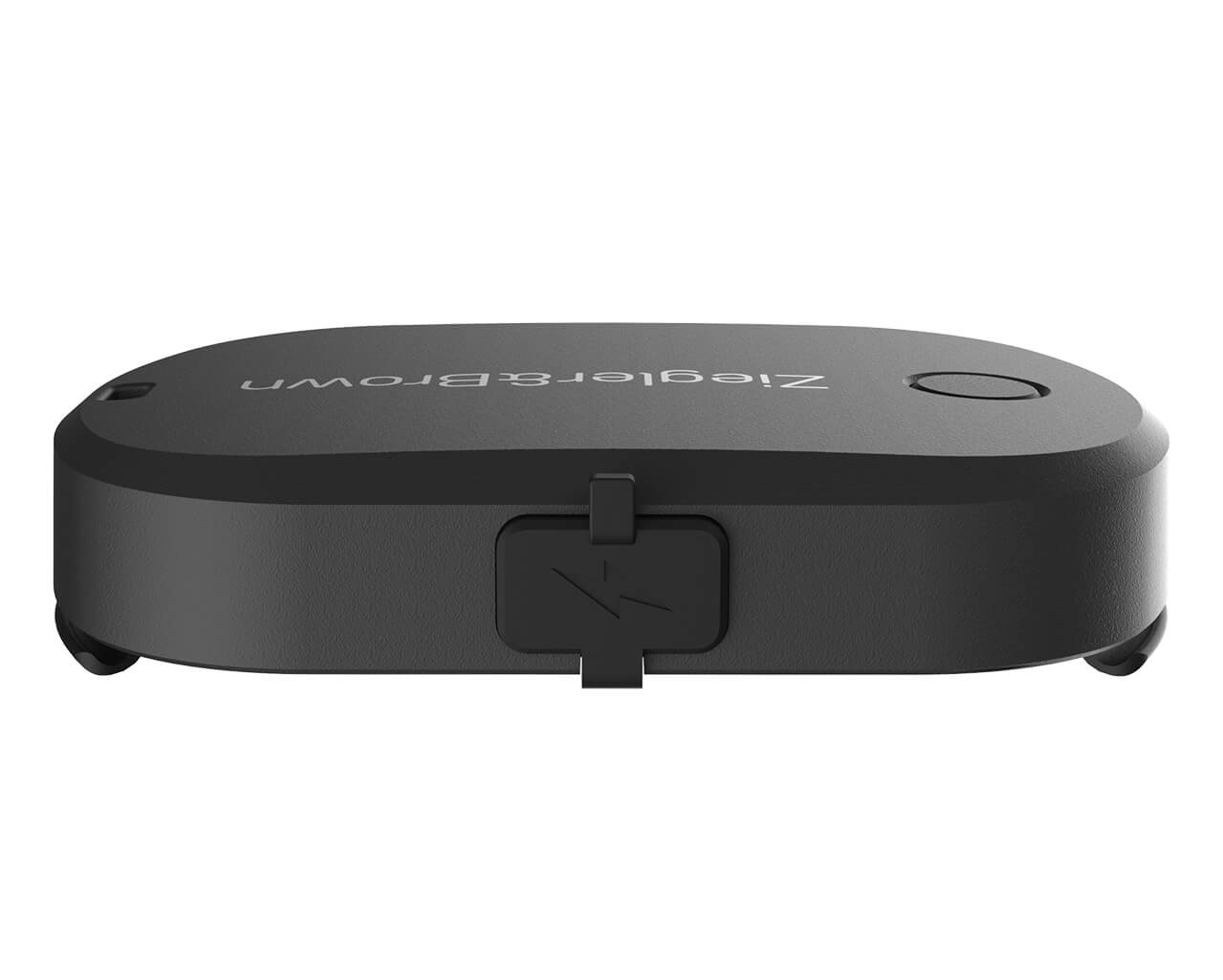
Powered by a rechargeable battery, the gauge transmits readings via Bluetooth Low Energy (BLE) either to:
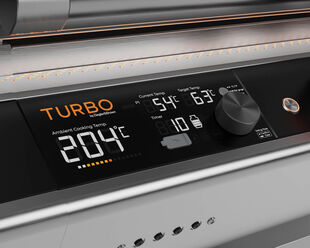
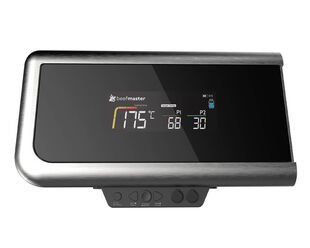
- the Beefmaster / Turbo Digital Display, or
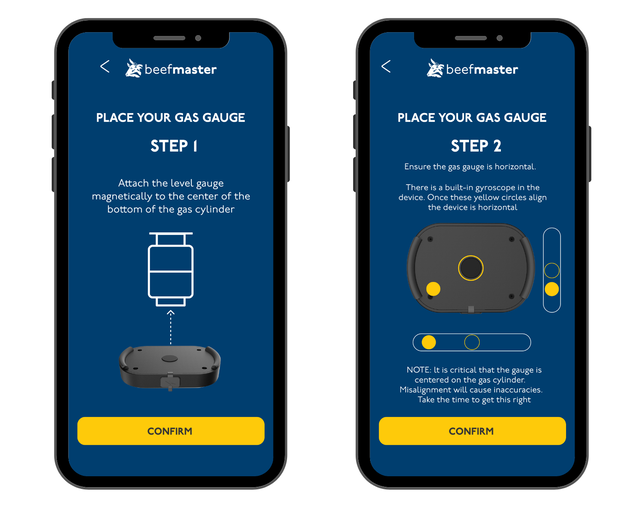
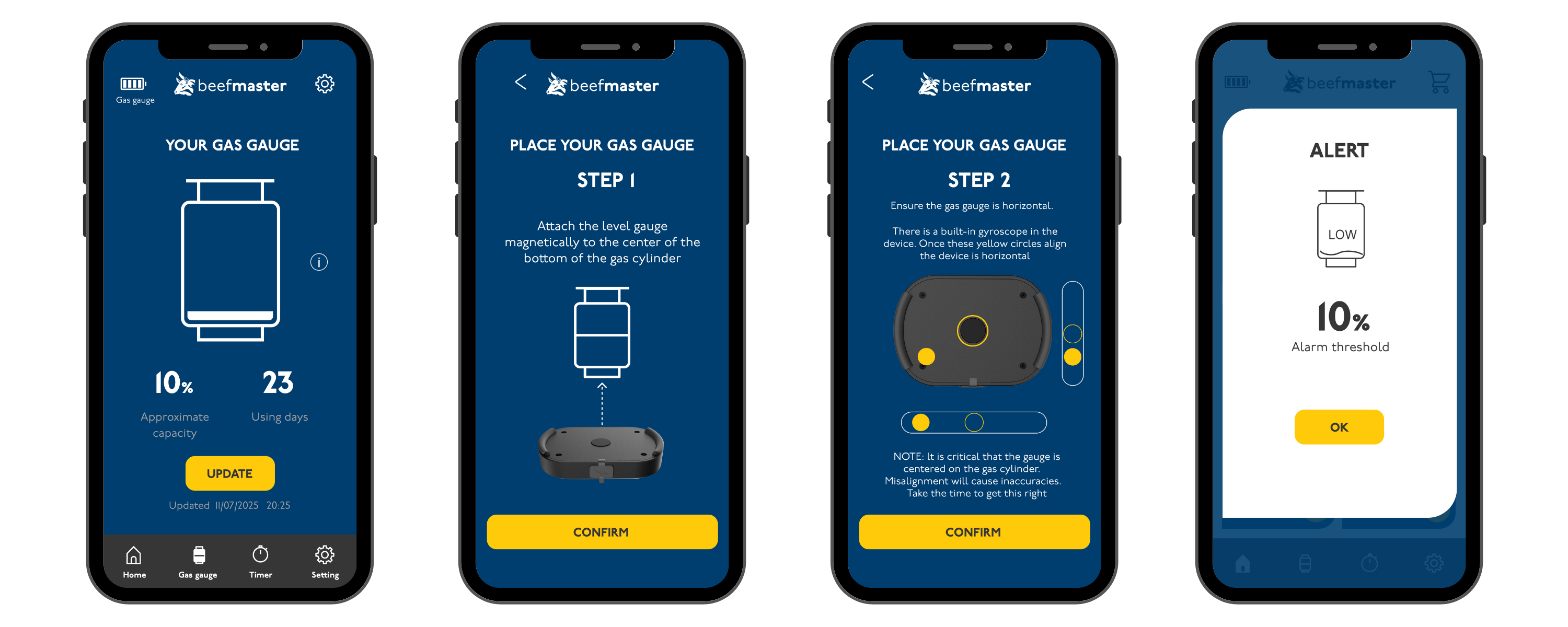
- the Beefmaster Grills or Ziegler & Brown App.
When connected to the Digital Display, a simple 4-bar icon shows approximate gas levels. When viewed in the App, the reading is displayed as a percentage in 10% increments for more detailed monitoring.
To conserve battery life, gas level readings are taken every 5 minutes and updated via BLE.
Powered by a rechargeable battery, the gauge transmits readings via Bluetooth Low Energy (BLE) either to:
- the Beefmaster / Turbo Digital Display, or
- the Beefmaster Grills or Ziegler & Brown App.
When connected to the Digital Display, a simple 4-bar icon shows approximate gas levels. When viewed in the App, the reading is displayed as a percentage in 10% increments for more detailed monitoring.
To conserve battery life, gas level readings are taken every 5 minutes and updated via BLE.